

Whether it's Firefox, Skype, IrfanView, VLC Player, or Spotify: there are freeware and open-source tools that simply belong on every PC. To avoid having to browse dozens of manufacturer websites or portals to download individual tools when setting up a new PC - or after a reinstallation - there's a clever little helper: Ninite
Ninite: Best-Of Collection of Free PC Programs
Ninite is a free web service for Windows 7, 8, 10, and 11. The site lists approximately 100 free programs and open-source tools, categorized – such as Browser, Media, Security, Developer Tools, etc. Here, you simply check the box next to all the programs you'd like to have on your new Windows PC.
By clicking on "Get Your Ninite", you then download a customized installer. This executable file contains links to all selected programs. You run this file normally, and your customized installer then browses the official provider sites, downloads the desired tools, and securely installs all programs on your PC. All of this works fully automatically.
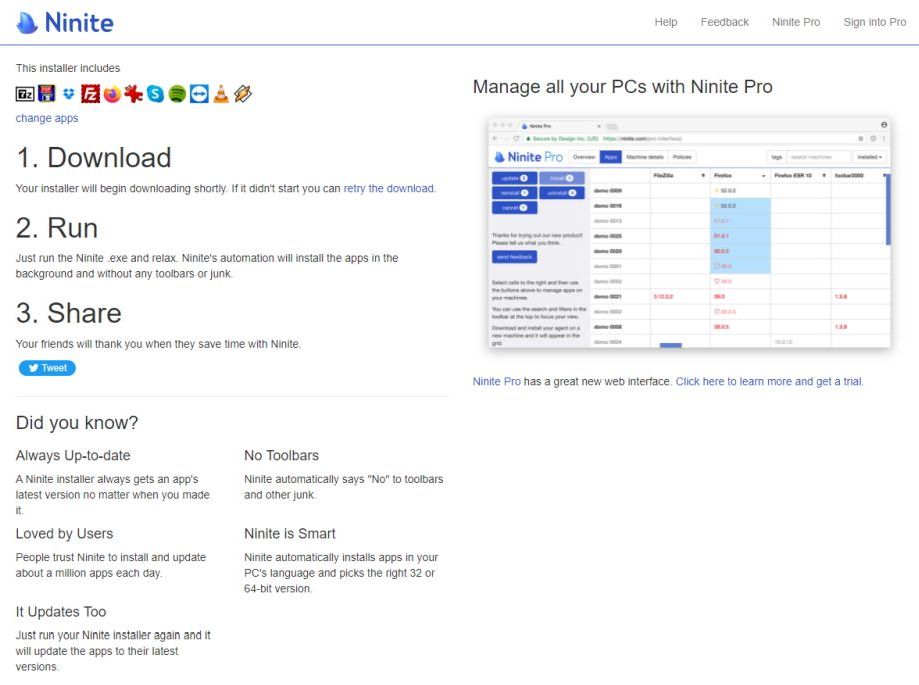
Advantages of Ninite
- You save a lot of time as you find the most important tools on one page.
- You can avoid searching manufacturer websites or complicated, advertising-supported download processes like those on Chip Online or Computerbild.de.
- Constantly working through setup wizards is also not necessary during the installation process with Ninite.
- Downloads are guaranteed virus-free and up-to-date, as they come directly from the manufacturer or provider site. You can also be sure that the tools are free of spyware, adware, and toolbars.
- The service is free. For professional users and companies, Ninite also offers a Pro version. However, the free version is perfectly sufficient for the purpose described here.
Another useful side effect:
Before each installation, Ninite checks if the corresponding tool is already on your PC, verifies the version – and updates your programs if necessary. This way, for all the tools offered by ninite.com, you essentially have an automatic software updater. Because, as you surely know, outdated software (as well as outdated drivers) can pose a security risk. Therefore, this "auto-update function" of Ninite should not be underestimated.
Are you looking for ways to keep your drivers up to date in addition to your software? Here we recommend the SecuPerts Driver Updater, which you can learn more about here.


