

We'll show you how to do it.
Windows 7 was one of the most popular operating systems. It hasn't spread everywhere yet, but about 10 months ago – on January 14, 2020 – Microsoft's support for this operating system ended. Even though many anti-virus providers still provide updates for Windows 7, the risk of working with this operating system is growing. So it's high time to switch to Windows 10, the latest Windows version – because the update or updates to Windows 10 are still free.
The fastest way to a new operating system with the Windows 10 Update Assistant
Even though the free update distributed until July 2016 has officially expired, there are still ways to switch to Windows 10 for free. And that's what Microsoft wants so far. Nevertheless, you shouldn't wait too long with the updates, because you can never be sure when Microsoft will switch off the remaining free options.
Free update to Windows 10 - this is how it works:
The easiest way to switch for free is to use the Windows 10 Update Assistant. You can download and install this tool, among other places, here on chip.de on your device. Here you will also find information about the following process.
First, the Windows 10 Update Assistant checks whether your system is compatible with Windows 10 - then it initiates the download and installation of the upgrade.
The Windows Update typically corresponds to the process of installing software on a device. You start and follow the step-by-step instructions of the assistant. The product key is not necessary for this.
- You confirm the license agreement.
- Now the compatibility check takes place - if your PC is compatible, you continue the upgrade at this point.
- Then the updates are downloaded. Depending on your bandwidth, this process may take some time.
- After the download is complete, the installation starts - this process also takes a little time, as the new operating system is being installed.
- Your computer will restart repeatedly during the installation. To complete the upgrade, you must manually confirm this process at least once.
- After that, you have successfully updated your system to Windows 10 and can get started right away.
Important before installation
Close all programs and every file and, to be safe, make a backup of all your data on an external hard drive – whether new data or old. Although your programs and data should be available as usual after the update, it's better to be safe than sorry here.
Who can upgrade for free?
The update works with Windows 7 and Windows 8.1 operating systems. Windows XP or Windows Vista are too old for the free upgrade.
A note for Windows 8 users: For the free update to Windows 10, you must first perform the free update to version Windows 8.1, if you have not already done so.
What are the advantages of upgrading to Windows 10?
With Windows 10, you have the latest and also the last operating system from Microsoft and no longer have to worry about further system updates. And of course, security updates for Microsoft's latest operating system have priority.
Latest software first for Windows 10
Windows 10 has been on the market for about 5 years. The majority of companies and users have already switched, and software providers and developers - like us, for example - are increasingly developing programs and tools for Windows 10. Of course, all our tools, which you can get on the Engelmann homepage and new in the Engelmann online shop as a download, are still compatible with Windows 7, Windows 8 and partly even with all versions of Windows. They also run without problems here. However, you always have the best performance under the latest version of Windows 10.
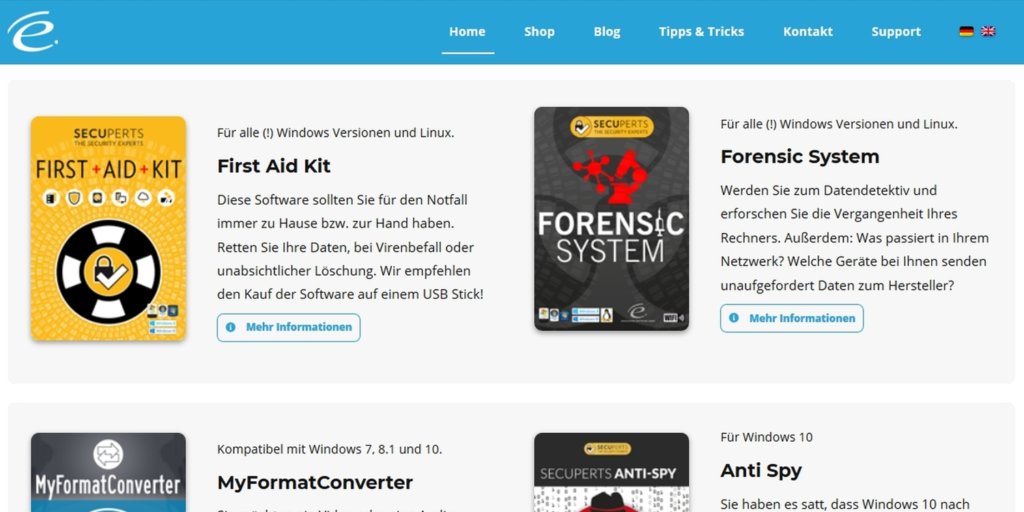
The trend for upcoming tools is increasingly towards Windows 10 – and with the end of support for Windows 7, no programs will run on this – now outdated – operating system in the foreseeable future. At least all Windows 7 users should therefore switch as quickly as possible, find and choose the update, as long as it is still available for free.


